 Google
0:00 / 1:15
Vibe Coding MasterclassBuild real websites and mobile apps with AI.
No heavy coding background needed — just something you want to build. In eight modules you go from an idea in your head to a portfolio, a website on your own domain and a Flutter app, with AI writing the code alongside you.
₹4,999 · One-time payment · Lifetime access · Pay with UPI
- Modules
- 8From first concepts to launch
- Lessons
- 31Short, guided and hands-on
- Real projects
- 3Plus a final capstone build
- Guided video
- ~5 hrsIncluding a 90+ minute final build
The problem
Most of us were taught to code backwards.
Months of syntax first. Building — the part that actually makes it click — comes later, if it comes at all.
Plenty of us in Kerala sat through C and Java in college and still never made something we could show anyone. You no longer need hundreds of hours of syntax before creating something useful.
The traditional way
- Learn syntax for months
- Start building later
The vibe coding way
- Start with an idea
- Build with AI
- Learn while creating
The shift
The way we build software has changed.
AI can now help you design interfaces, generate code, fix errors and understand unfamiliar files. Here's what that looks like for one small idea.
01 · Idea
Start with something you want to exist.
A booking page for your aunt's homestay in Wayanad.
02 · Design
Preview the screens visually, before any code.
Three rooms, a date picker, a WhatsApp button.
03 · AI assistance
Describe what you need; AI writes and edits the code.
“Make the enquiry go straight to her number.”
04 · Build
Put the site together, step by step.
Pages, photos, the booking form.
05 · Test
Check that it works and fix what doesn't.
The date picker breaks on her phone. You fix it.
06 · Deploy
Publish it live, on your own domain.
Her guests book from a real link.
What you'll learn
Not a list of tools. A set of capabilities.
By the end, you'll be able to take an idea all the way to something real and live.
- 01
Think like a builder
Understand how websites, apps, frontend, backend and deployment fit together.
- 02
Design before you code
Turn rough ideas into clear screens and interfaces.
- 03
Build with AI
Use AI to create, edit, explain and fix your project.
- 04
Create for the web
Build and publish a complete website.
- 05
Create for mobile
Build one app that runs on both Android and iPhone.
- 06
Ship what you build
Use Git, hosting, domains and deployment to put your work live.
Curriculum
8 modules. One complete journey.
- Lessons
- 31
- Runtime
- 4 hr 56 min
Each module ends with something you can do — not just something you've watched. Bars show how long each module runs.
- 01
Introduction to Vibe Coding
What vibe coding is, and the essential terms you'll use throughout the course.
2 lessons · 6 min - 02
Getting Started
Set up your development environment, see how software is structured, and build your personal portfolio.
5 lessons · 16 min - 03
Your First Complete Web Project
Design an online store, save your code with Git and GitHub, then buy a domain and put the site live.
7 lessons · 45 min - 04
Mastering Claude
Use AI to design screens, and to write, edit, understand and fix your project files.
4 lessons · 36 min - 05
Vibe Coding with Flutter
Set up Flutter and build your first cross-platform mobile app, step by step.
6 lessons · 78 min - 06
Final Project
Build one complete real-world product from idea to deployment, in a 90+ minute guided build.
3 lessons · 91 min - 07
Payment Integration
Add online payments to what you build.
1 lesson · 12 min - 08
Beyond Vibe Coding
Basic security checks, and how to keep building as AI tools evolve.
3 lessons · 12 min
The tools behind the workflow.
Learned in context — while building real projects, not as isolated software lessons.
- Design
 Google Stitch
 Claude Design
- AI building
- ClaudeClaude Code
 Google Antigravity
 - Development
 VS Code
 Flutter
 Node.js
- Version control
 Git
Git GitHub
- Backend & services
 Firebase
 Razorpay
- Deploy & launch
 Vercel
 GoDaddy
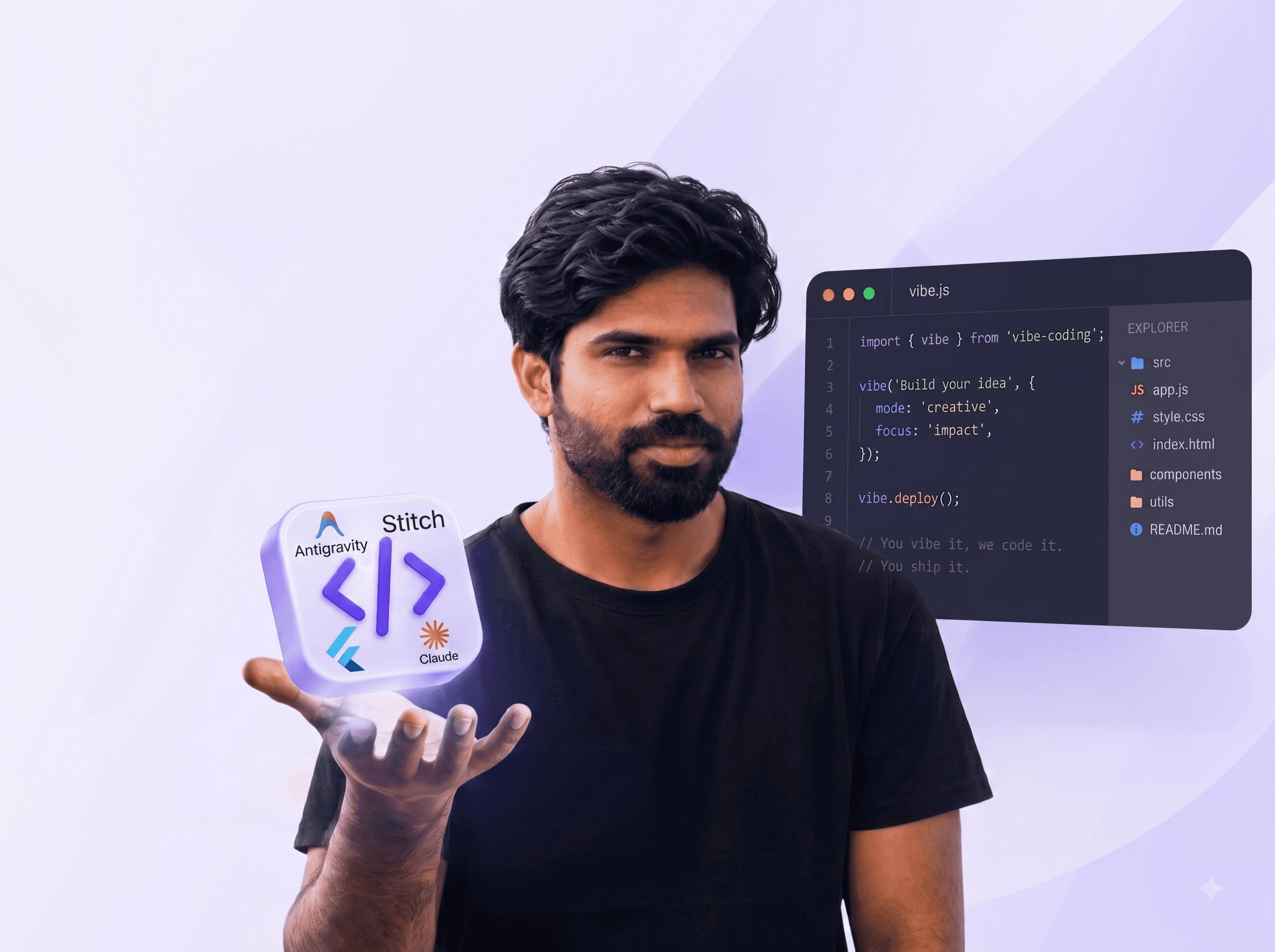
Your instructor
Learn from someone who builds.
Real products. Real workflow. Now it's your turn.
This isn't a course read off slides. You watch the actual process: an idea, a conversation with AI, the parts that break, the fixes, and a product that goes live — including a 90+ minute final build, start to finish. You see the decisions behind the result: why a screen was designed that way, when to trust the AI, and when to push back.
Listen
Hear it from the people who took the course.
Voice notes from our learners, in their own words — what they built, where they got stuck, and what the course was really like. Put your earphones in.
Learner feedback 011:15 Learner feedback 020:47 0:00 / 0:47
Student experiences
What it's like, in plain words.
Sample reviews — placeholders showing the kind of feedback we'll publish once real learner reviews are in.
Honestly, I thought this would be one more course I'd leave halfway. By the third module my own site was live on a proper domain. Amma saw it and asked who I paid to make it. Nobody — I made it, with Claude helping.
I'm from accounts, not coding. The Flutter part looked scary at first, but step by step it was okay. Got stuck twice, sent a WhatsApp, got it sorted.
Started it chumma one Sunday, just to see. Short lessons, no unnecessary lag — most of it I watched on the bus to Kakkanad. The final project took a full weekend, but now I have something real to show.
How you'll learn
Learn by building, not by watching endless theory.
- 01See it.Understand the concept in simple language.
- 02Try it.Use the tool or technique yourself.
- 03Build it.Apply it to a real project.
- 04Fix it.Learn to debug and improve what you made.
- 05Ship it.Put your work online and make it usable.
Every major concept is connected to something you actually create.
On your schedule
Recorded video lessons you watch when it suits you — after college, between shifts, on the bus home. Pause, rewind, rewatch.
Stuck? Send a WhatsApp
1-on-1 doubt support on WhatsApp. Ask the way you'd ask a friend who knows this stuff.
A community that stays
Lifetime access to the course, its future updates, and the School of AI builder community.
What you'll build
You'll leave with work you can actually show.
Project 01
Personal developer portfolio
Your own portfolio — designed, built and published online.
Project 02
Complete website
A real online store, built from design to deployment on your own domain.
Project 03
Mobile app
A working Flutter app for Android and iPhone.
Capstone
One complete product, idea to deployment.
A 90+ minute guided build that brings everything together — with payments wired in. Yours could be a booking site for a homestay in Wayanad, an order-and-pay page for a bakery in Kozhikode, or an app for parents at a tuition centre in Thrissur.
- Idea
- Design
- Development
- Testing
- Deployment
What you walk away with
More than course knowledge.
What you'll have
- A live portfolio
- A working website
- A mobile app
- A complete final project
What you'll take with you
- Git & GitHub experience
- Confidence with AI development tools
- Experience deploying real software
- Lifetime access to the School of AI builder community
Who it's for
Built for people who want to create with AI.
- 01
Students & beginners
Start building even with little or no coding experience — a final-year project, or your first app on the Play Store.
- 02
Working professionals
Add practical AI development skills to the job you already do.
- 03
Aspiring developers
Build full products instead of getting stuck in tutorial after tutorial.
- 04
Founders & indie hackers
Turn the idea into a working prototype before you hire anyone.
- 05
Small business owners
Build your website and internal tools without a large technical team.
- 06
Designers
Turn your interfaces into real, working products.
Course details
Everything included.
- Course
- Vibe Coding Masterclass
- Content
- 8 modules · 31 lessons · 4 hr 56 min of guided video
- Format
- Online, recorded video lessons — learn at your own pace
- Projects
- Portfolio, website and Flutter app, plus a capstone with payment integration
- Tools
- Google Stitch, Claude Design, Claude, Claude Code, Google Antigravity, VS Code, Flutter, Node.js, Git, GitHub, Firebase, Razorpay, Vercel, GoDaddy
- Access
- Lifetime, including future module updates and the builder community
- Support
- 1-on-1 doubt support on WhatsApp
- Certificate
- School of AI certificate on completing all modules
- Payment
- UPI, cards, net banking and wallets via Razorpay
What is vibe coding?
Vibe coding is AI-assisted development: you describe what you want in plain language, an AI tool writes the code, and you guide, test and fix it until it works. This course teaches the whole workflow — idea, design, AI-assisted building, testing and deployment.
Do I need any coding experience?
No heavy coding background is needed — just something you want to build. The course starts with how websites and apps fit together. If you already code, you'll learn a much faster way to ship.
How long is the course?
8 modules and 31 lessons — nearly five hours of guided, hands-on video, including a 90+ minute final build. With lifetime access, you can go at your own pace.
What will I build?
Three real projects — a personal portfolio, a complete website on your own domain and a Flutter mobile app for Android and iPhone — plus a final capstone project, built from idea to deployment, with payment integration.
Which tools does the course use?
Google Stitch and Claude Design for design; Claude, Claude Code and Google Antigravity for AI-assisted building; VS Code, Flutter and Node.js for development; Git and GitHub; Firebase and Razorpay; and Vercel and GoDaddy to deploy and launch. You learn them in context, while building.
How long do I get access?
Lifetime access. Pay once and it's yours, including future module updates and the School of AI builder community.
Will I get a certificate?
Yes. Complete all modules and you earn a School of AI certificate you can add to your résumé and LinkedIn.
What if I get stuck?
You get 1-on-1 doubt support on WhatsApp. Send your question and get help from the School of AI team.
How do I pay?
Checkout is handled by Razorpay and supports UPI (GPay, PhonePe, Paytm), credit and debit cards, net banking and wallets. Access is activated instantly.
Is this course only for people in Kerala?
No. School of AI is built in Kerala, and the examples feel close to home — but the course is open to anyone who wants to learn to build with AI.
You don't need to know everything before you start building.
- Start with an idea.
- Learn the workflow.
- Build real products with AI.
- Ship something you can call your own.
₹1,999₹4,999One-time · Lifetime access
Secure checkout by Razorpay · UPI, cards, net banking and wallets
₹1,999₹4,999Vibe Coding Masterclass
Enroll now